Contact numbers:
+964 773 157 0666
+964 751 886 5258
+964 780 002 5353
Contact numbers:
+964 773 157 0666
+964 751 886 5258
+964 780 002 5353
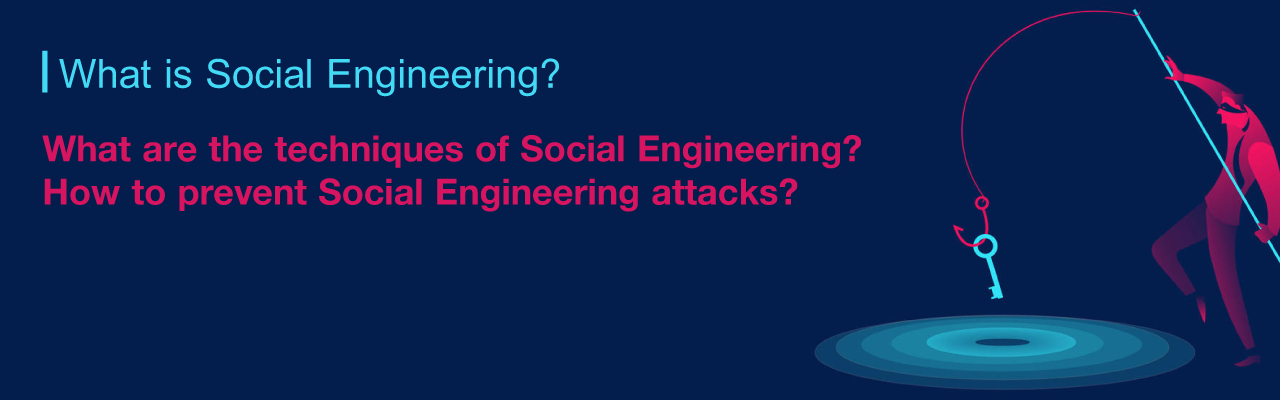

Hackers often prioritize manipulation over technical skill. It is far easier to trick someone into giving up a password than it is to crack it. This is Social Engineering.
Common tactics:
How to Stay Safe:
Security is about milled trust.
Verify: Never assume an identity is real; check through official channels.
Inspect: Always validate a website’s URL and HTTPS status before sharing info.
Pause: If a request feels urgent or high-pressure, it is likely a trap.
The Rule: Don't trust—verify.
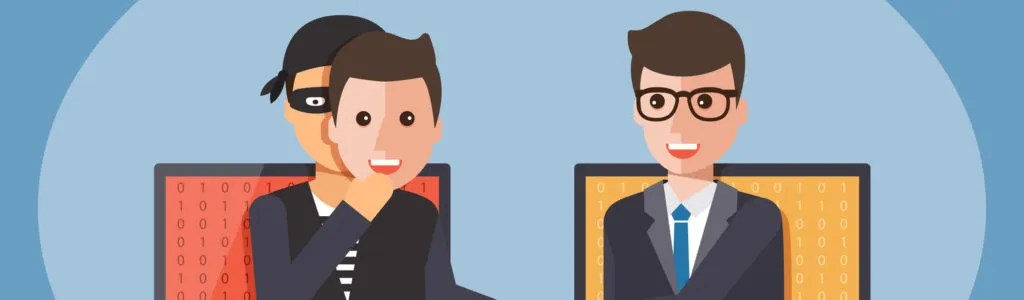
Social engineering is a set of techniques used to deceive people into handing over confidential information. Unlike technical cyber-attacks that target software vulnerabilities, this "human hacking" exploits psychological weaknesses.
The Goal: "Social engineers" aim to steal, manipulate, or destroy private data by exploiting false trust and persuasion.
The 4 Stages of an Attack:
Research: Gathering info on the target.
Hook: Initiating contact and building a fake rapport.
Play: Manipulating the victim to gain access or data.
Exit: Closing the interaction without leaving a trace.
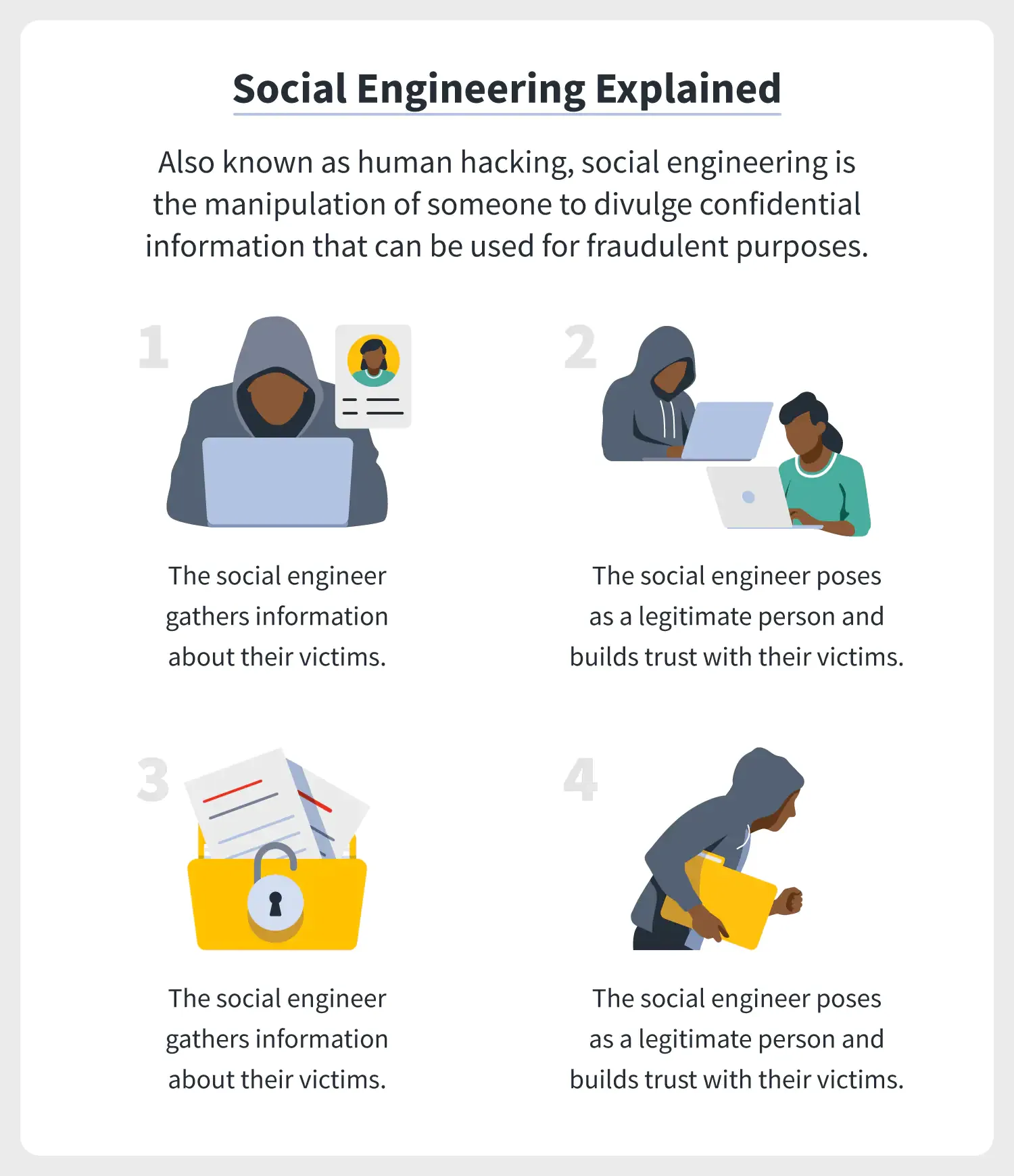
1. Preparation: The attacker gathers intel on the victim via social media, email, or SMS to find the best entry point.
2. Infiltration and personalization: they establish contact by posing as a trusted authority (like IT or a bank), using the gathered intel to appear legitimate.
3.exploitation: Once trust is built, they use persuasion to manipulate the victim into handing over passwords, payment info, or access.
4. Disengagement: After securing the data, the attacker cuts all ties and disappears without a trace.
tactics of social engineering attack
Social engineering can occur everywhere, whether online or
offline, unlike common cyber-attacks that occur secretly and without notice,
attacks by social engineers occur directly before your eyes.
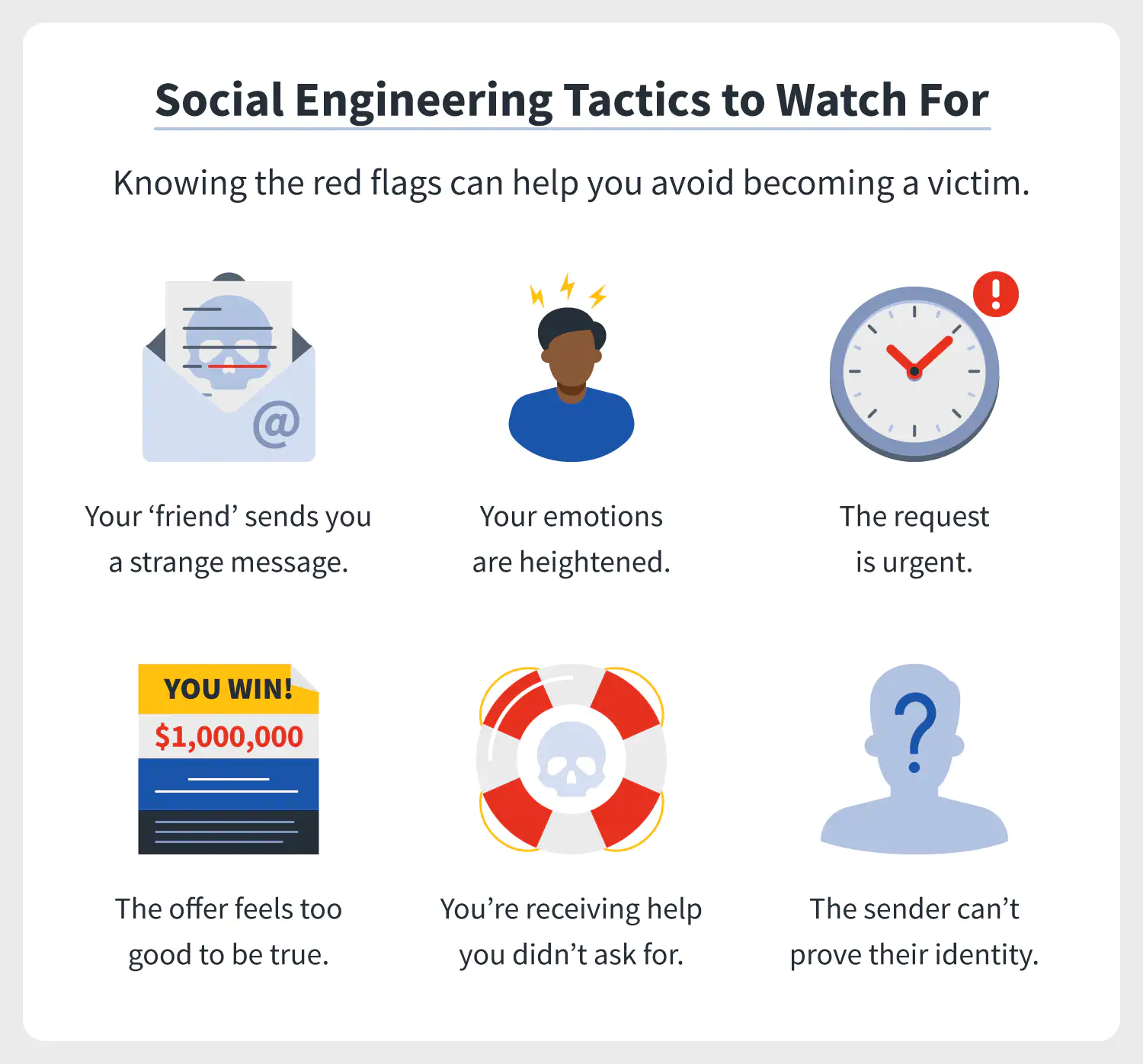
1. A friend sends you a strange message: They pose as friends, managers, or your bank to send malicious links from a "trusted" source.
2. Working on the emotional side: They exploit fear, curiosity, or guilt. If you are emotional, your defenses are lower.
3. The request is urgent: They rush you (e.g., "Your account is locked!") so you act before you think.
4. The offer feels too good to be true: Unsolicited "wins" like lotteries or free licenses are almost always traps.
5. You will receive help and services that you didn’t ask
for: They pose as "tech support" to fix a problem you didn't know you had, gaining direct access to your system.
6. The sender can’t prove their identity: If the sender won’t prove their identity (e.g., refusing a video call or official email), they are a fraud.
Like most cyber-attacks, social engineering has many forms
and techniques that continuously evolving, these are some of its common types:
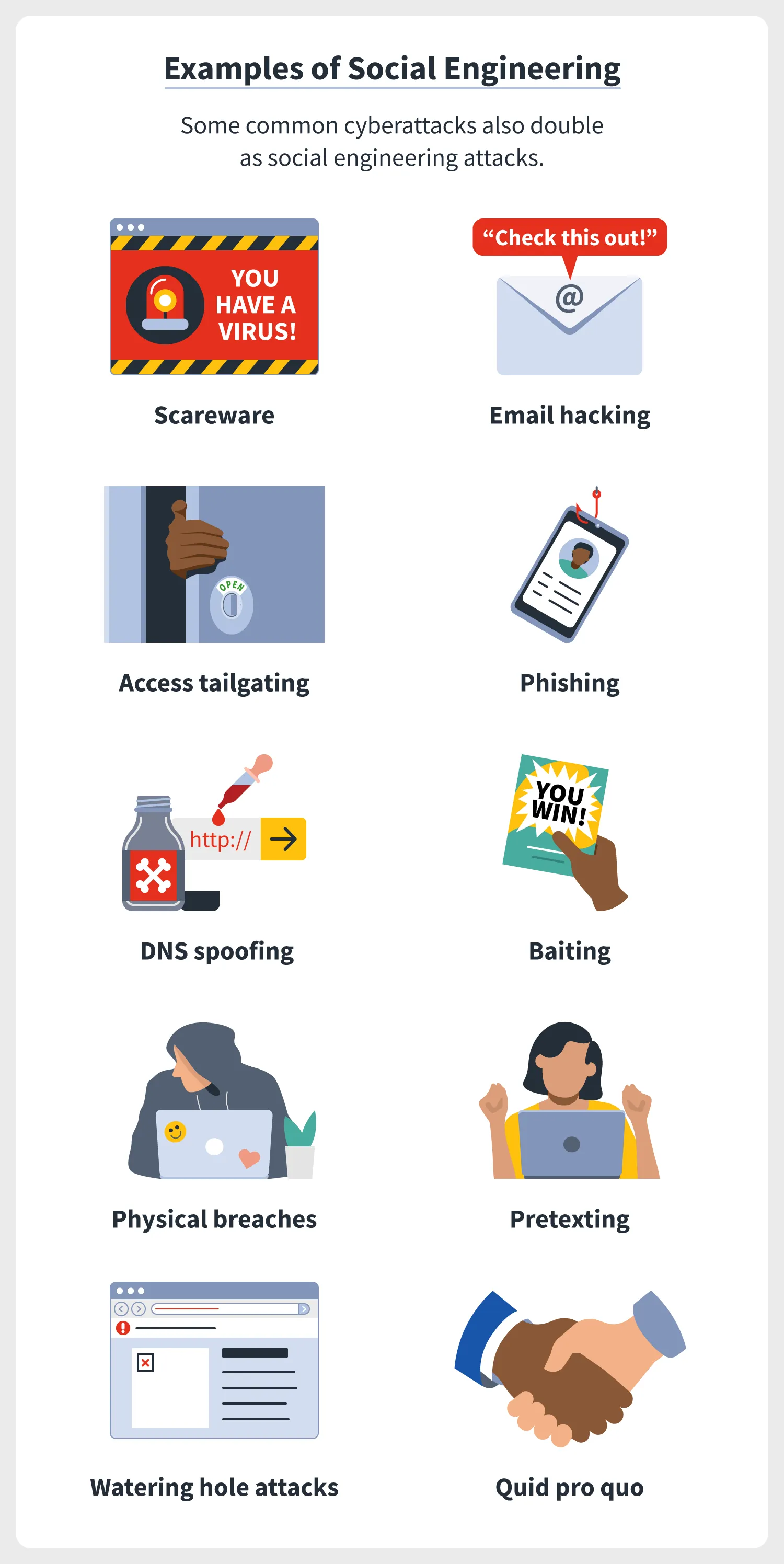
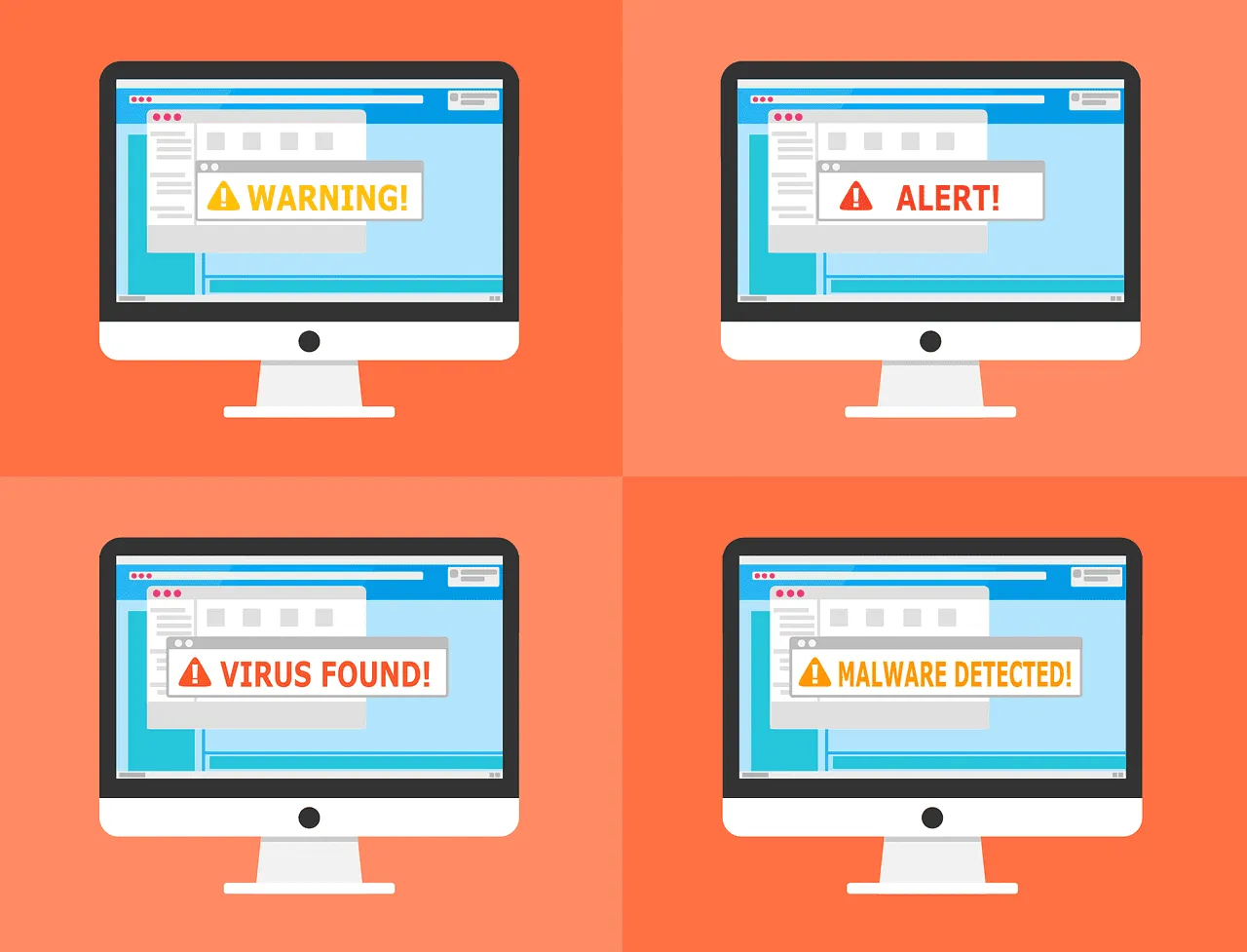
1. Scareware: As it appears from its name, Scareware is a
type of malware created to scare you and do something. It often comes to you in
the form of emails and popups and asks you to do something directly, for
example, "downloading a program to clean up harmful viruses and
files", which is the virus itself.
2. Hacking emails and contact spamming: It is human nature
that cares about the message of people they know, and social engineers know
this very well, so they take their emails and use phishing techniques.
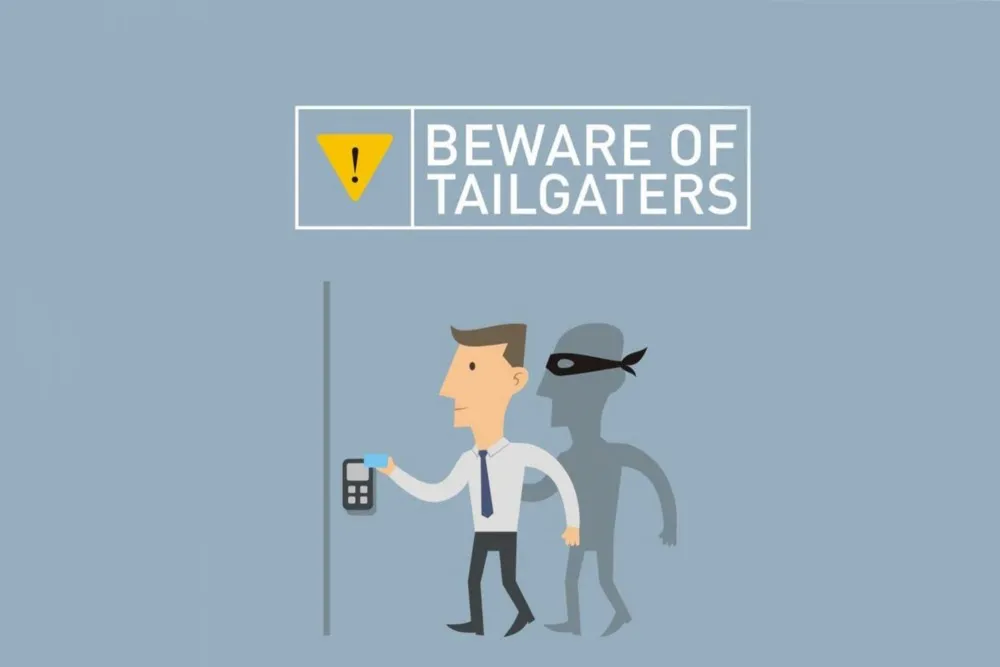
3.Access Tailgating: A type of social engineering in which
the person physically follows you and accesses an organization’s network or
devices through you, for example, holding a large box in his arms that shows
his or her hand is full to enter through your fingerprint.
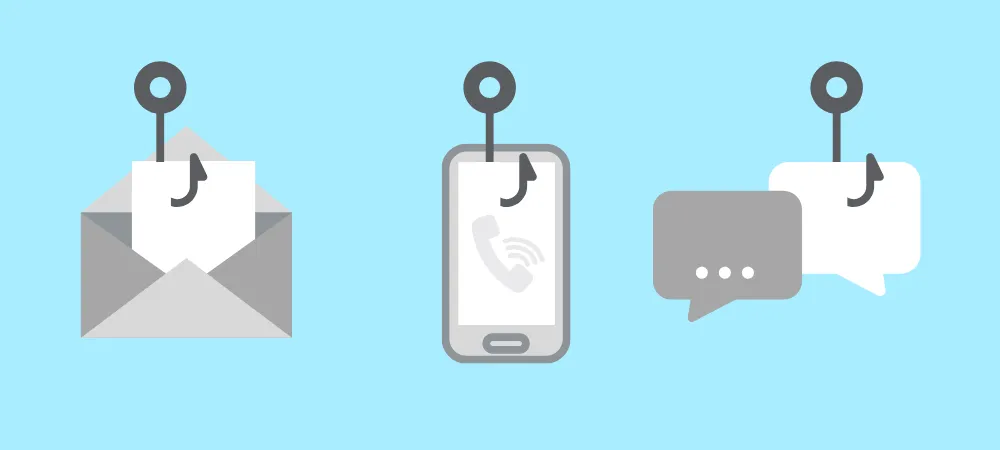
4. Phishing: is a deceptive technique used to trick you into taking action—like clicking a link or downloading a file. It comes in many forms:
- Spam phishing: Which is often sent in bulk to many users.
- Spear Phishing: Unlike Spam, it targets only one person or
organization as celebrities and important peoples.
- Vishing: Phishing via voice calls or automated messages.
- Smishing: This type of phishing is performed through SMS.
- Email phishing: The classic method using deceptive emails.
- Phishing link: is a falsified link you receive that
contains malware
- in-session Phishing: A pop-up asking you to log in again while you are already active on a platform.
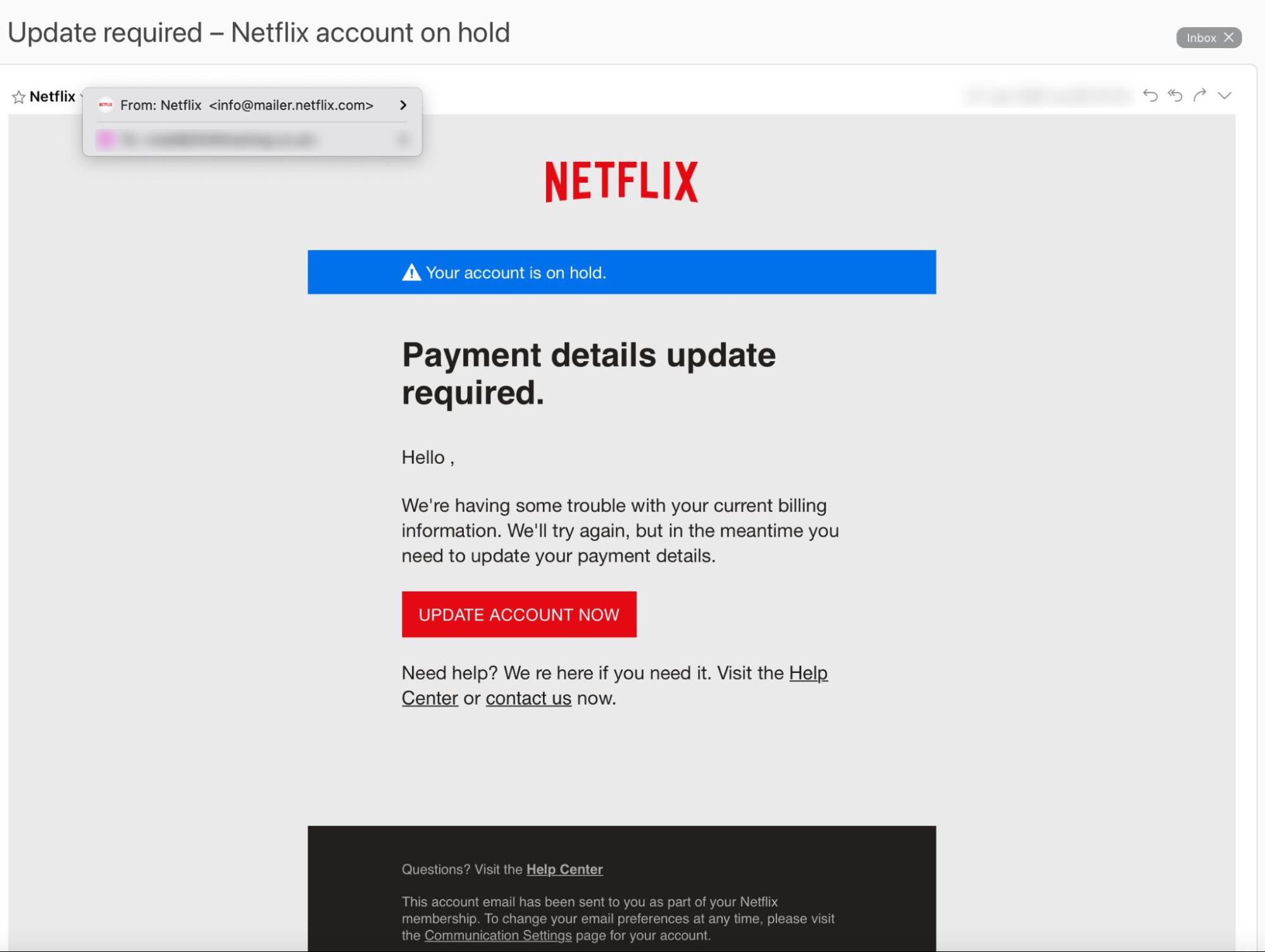
In the phishing example, the social engineer may present
himself as your bank's organization and ask you to click on a link and entering
your detail there. Those who click on the link will take them to a fake website
like the original site, so when you enter your information, it goes directly
into the pocket of a social engineer.
5.DNS Spoofing: Manipulating your browser to redirect you from a legitimate site to a fraudulent one (e.g., the 2018 $17M Bitcoin theft).
6.Baiting: Leaving "baits" like infected USB drives in public or offering "free" downloads (music/videos) that hide malware.
7.Physical breaches: Posing as a technician or IT expert to gain physical access to a company’s devices and install spy software.
8.pretexting: Crafting a detailed, fabricated story to hook the target and trick them into revealing sensitive data.
9.Watering hole attack: Infecting a specific, high-traffic page of a popular website to compromise as many visitors as possible.
10.Quid pro quo: Offering a "service" in exchange for access (e.g., promising game cheats or codes if you hand over your account login).
How do you avoid social engineering attacks?
The best defense and protection against these attacks is to
educate yourself of their attack types and signs so that you can easily
recognize them, and consider the following instructions:
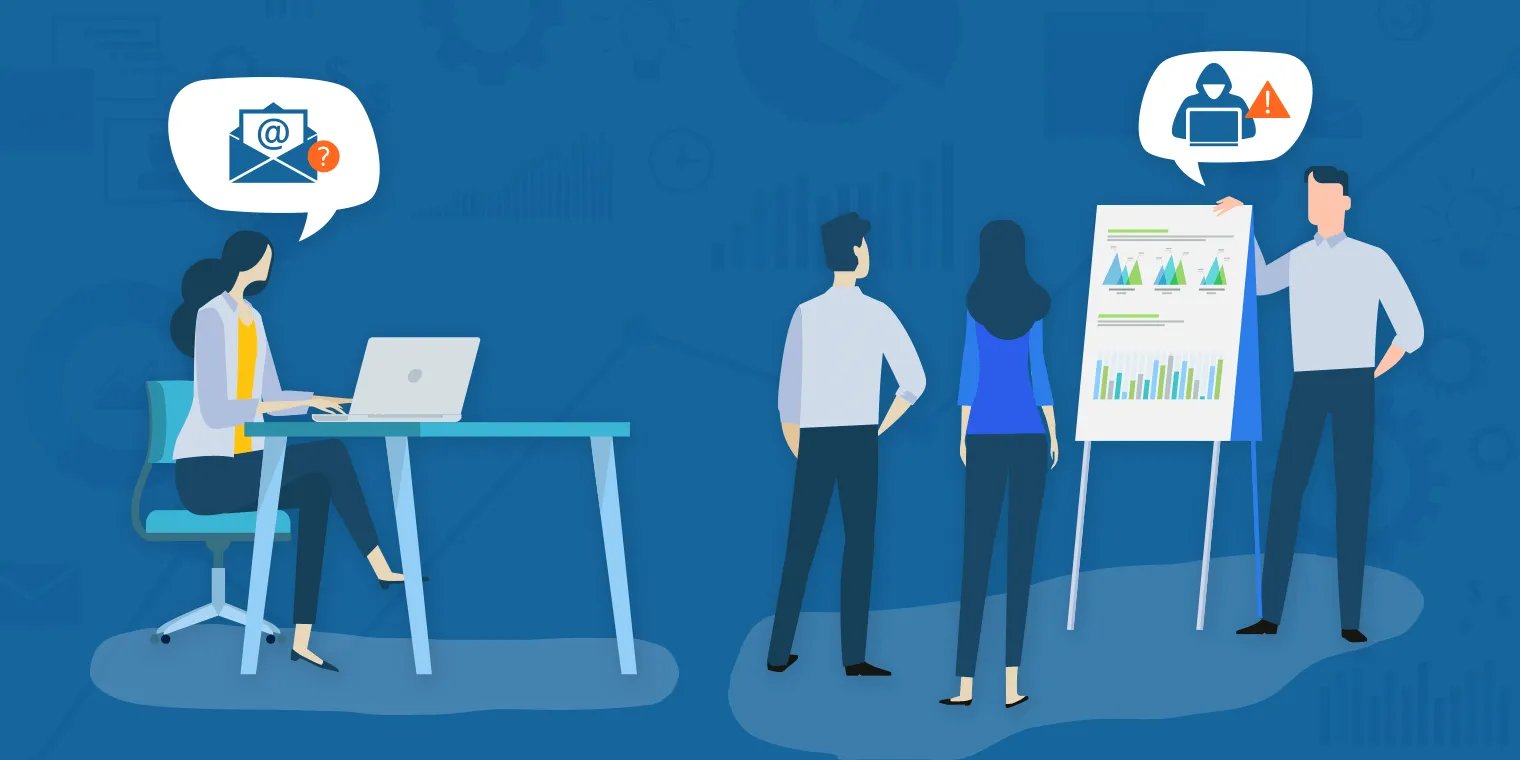
When using the Internet: the first line of defense in social
engineering is yourself so be aware of these points:
- Don't open a link you didn't ask for.
- Don't publish too much personal information.
- Be careful with friends you know only on the Internet.
- Recognize the signs of social engineering.
secure your account and network: After your awareness, you
need to protect your network and accounts, where you carry sensitive and confidential
information.
- Use two-factor authentication.
- use strong and unique passwords and change them quickly.
- Use a software to manage your passwords.
- Set high spam filters.
- Do not allow strangers to use your Wi-Fi.
- Use VPN.
- monitor your account activity continuously.
Secure your devices:
- Don't leave your device unattended.
- Use an antivirus and security program (we recommend
Kaspersky).
- keep your software and systems up to date.